
 ThumbnailSwiper
ThumbnailSwiper
ThumbnailSwiper
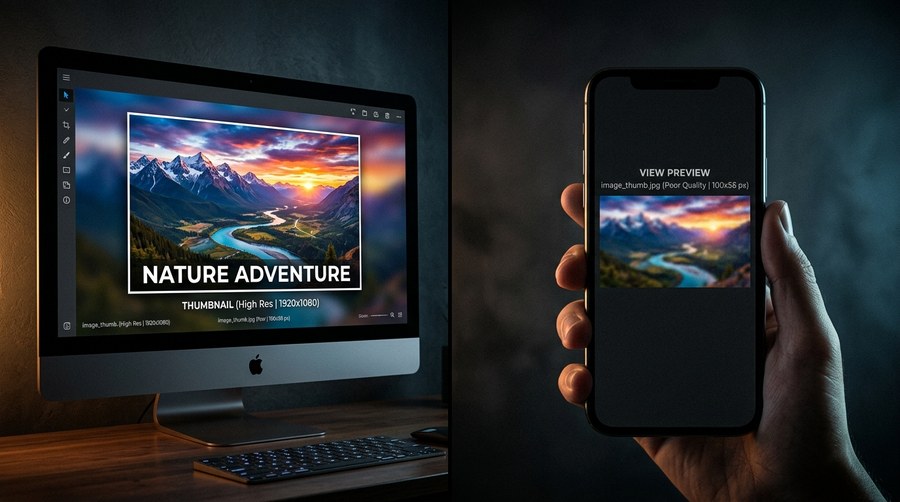
Most creators design their thumbnails on a large monitor. They zoom into the full 1280×720 canvas, carefully adjust the typography, fine-tune the colors, and export a thumbnail that looks polished and professional. Then it goes live, and the CTR is flat. The reason is almost always the same: what looks great at full resolution becomes illegible noise at the size most viewers actually see it.
YouTube displays thumbnails at dramatically different sizes depending on where they appear. On a desktop in the home feed, thumbnails are approximately 320×180 pixels. In the suggested video sidebar, they shrink to around 168×94 pixels. On a mobile phone screen in portrait orientation, the home feed thumbnail is approximately 120–160 pixels wide. On a 4K TV, they can appear much larger. The challenge is designing an image that communicates clearly across all of these simultaneously, which means designing for the smallest size first.
| Placement | Approximate Size |
|---|---|
| Desktop home feed | 320 × 180px |
| Desktop suggested sidebar | 168 × 94px |
| Mobile home feed | 120–160px wide |
| Tablet home feed | 200–280px wide |
| TV / large display | 480px+ wide |
The solution is to reverse the design process. Instead of designing at full size and then checking mobile, start by sketching the composition at roughly 320×180 pixels. At this size, the thumbnail has to work with only the most essential elements, one dominant subject, one piece of text, and high contrast. Once it communicates clearly at small size, scale up to the full canvas and add production quality.
A practical workflow: After designing at full size, zoom your canvas out until the thumbnail is approximately 2 inches wide on your monitor. Squint slightly. If the main subject and text are still immediately readable, the design works for mobile. If anything blurs into the background or competes for attention, simplify.
Over 63% of YouTube watch time in 2026 happens on mobile devices. Designing for desktop first means designing for the minority of your audience.
Thumbnail Swiper's YouTube preview mockup shows your thumbnail at real feed size, so you can spot mobile issues before publishing.
Try Preview Tool →